Why you'll love it
Natural neural voices
Human-like voices that are pleasant to listen to for hours, not robotic.
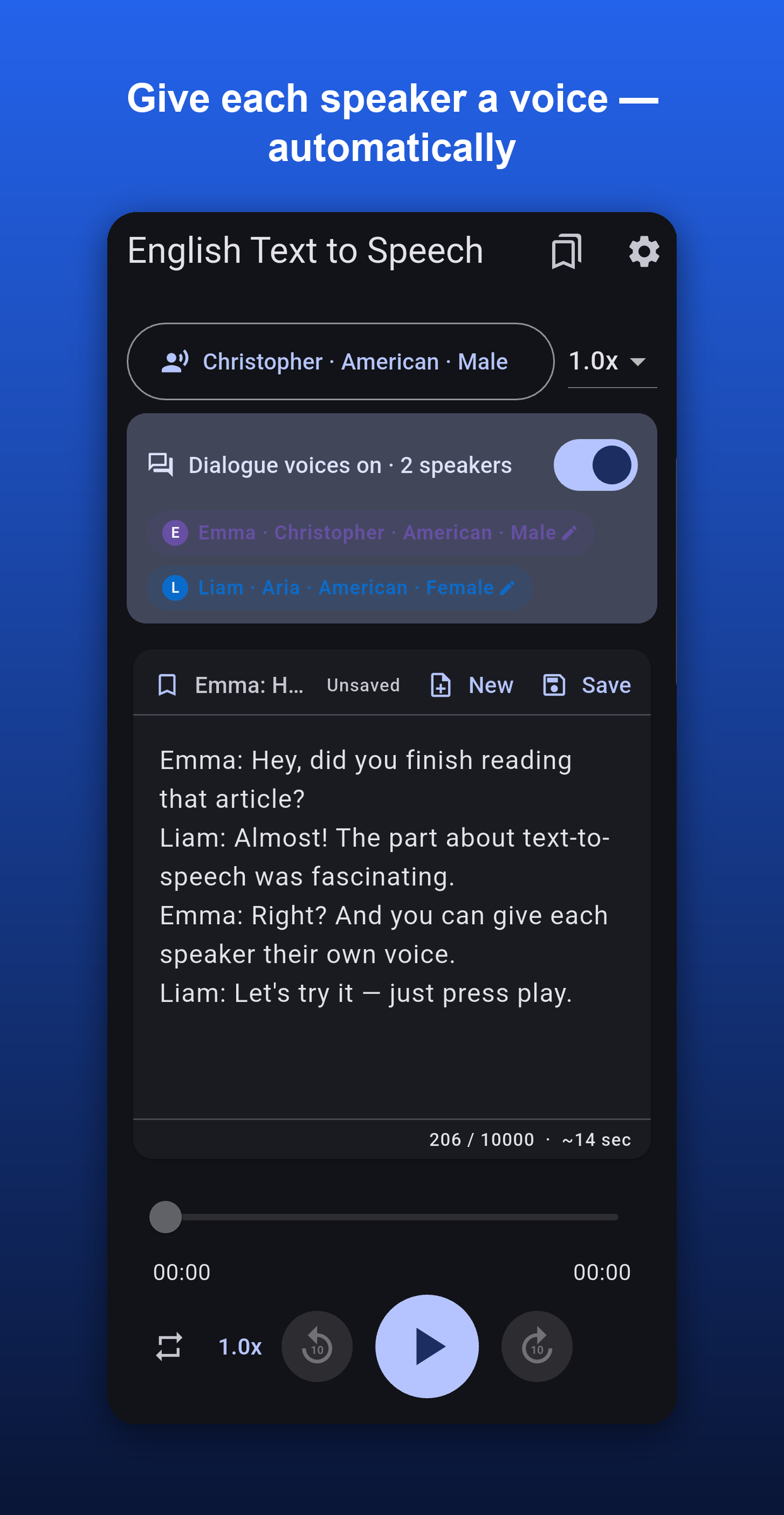
Dialogue voices
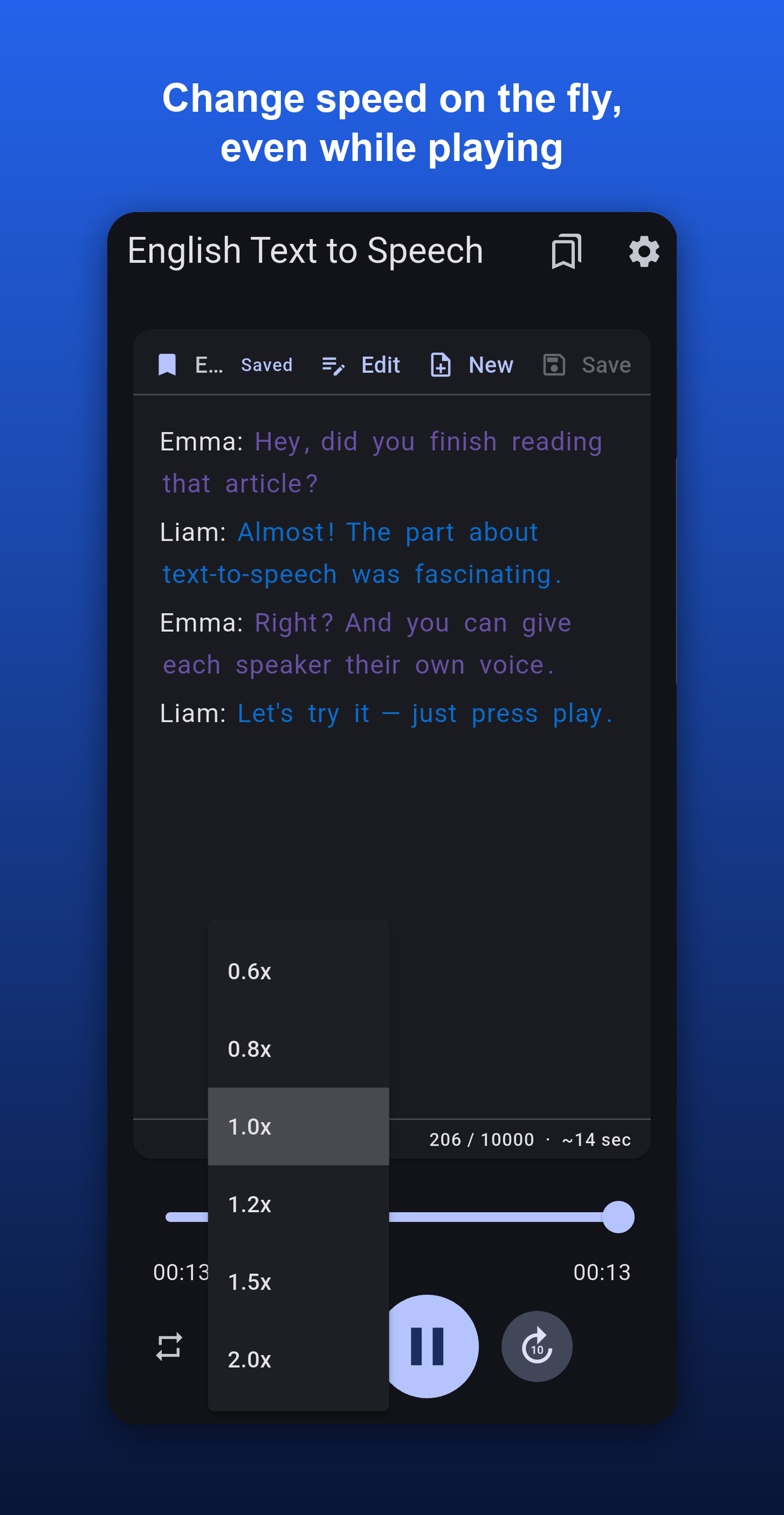
Start a line with "Name:" and each speaker automatically gets their own distinct voice.
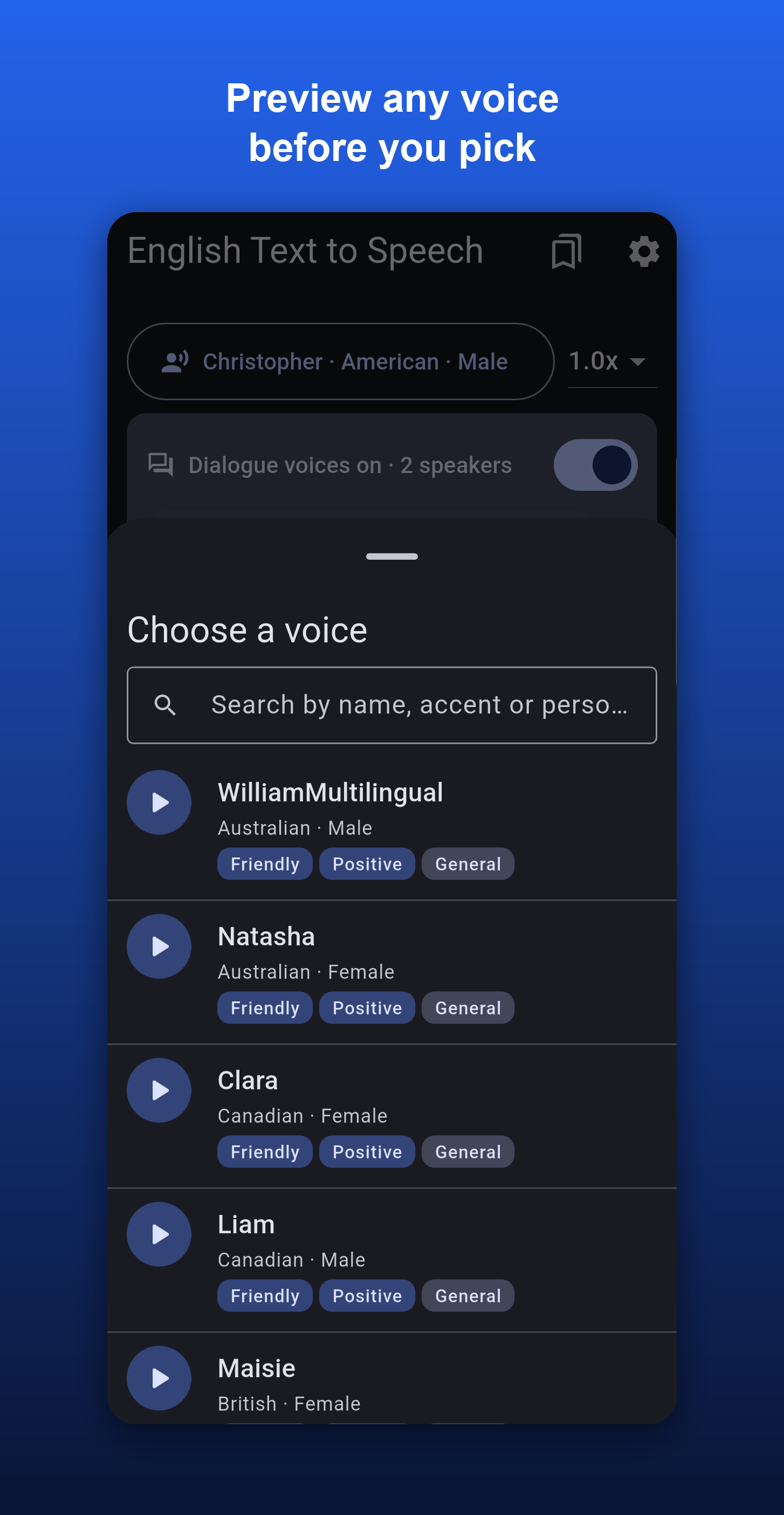
Preview before you pick
Tap any voice to hear a quick sample — find the perfect one in seconds.
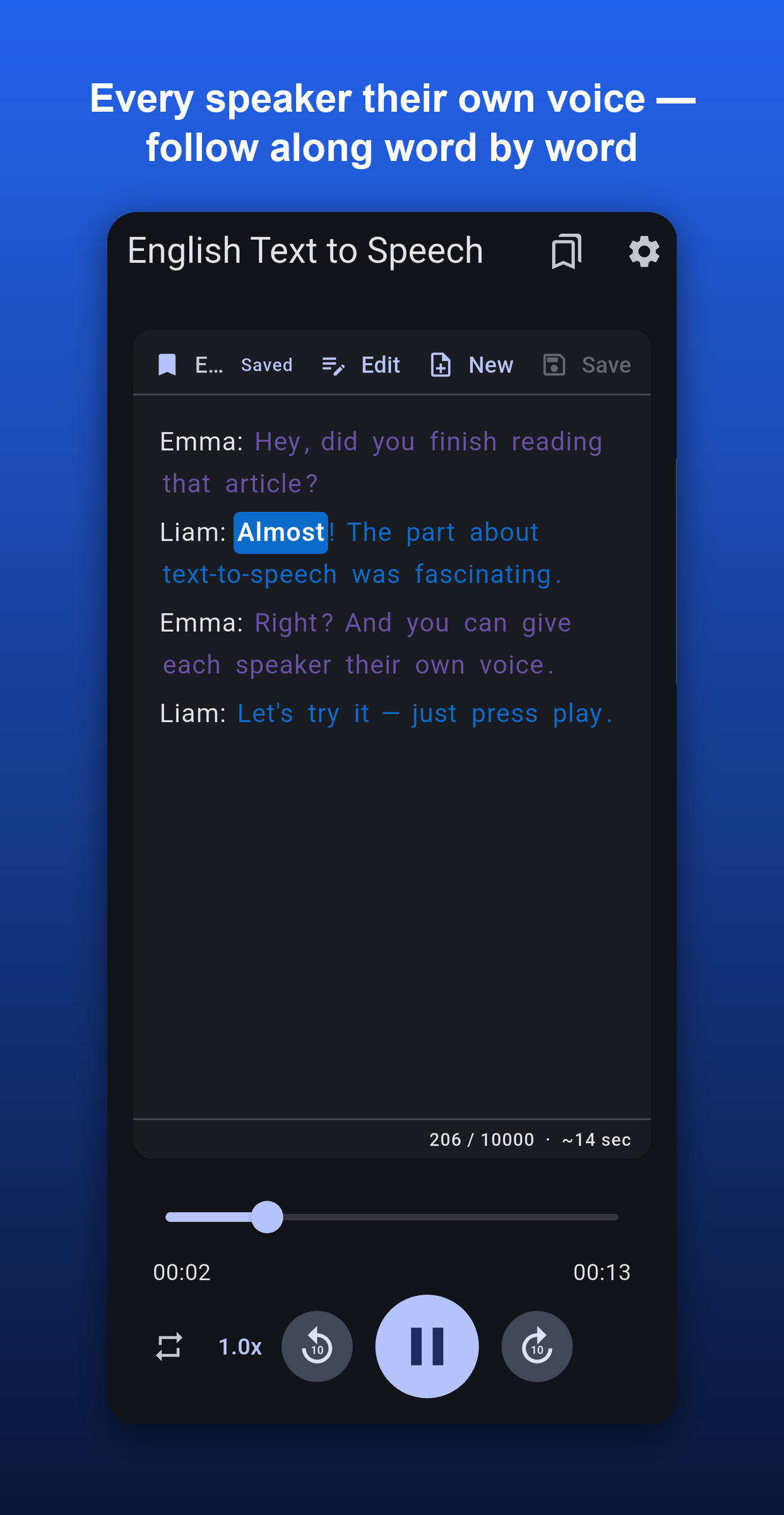
Word-by-word highlighting
Follow along as it reads, with each speaker shown in their own color.
Speed on the fly
Adjust playback from 0.6x to 2.0x — even while it's playing.
Multiple accents
American, British, Australian, Indian and more — pick the accent you like.
Background playback
Keep listening with lock-screen controls, even with the screen off.
Clean & ad-free
A distraction-free design focused on one thing: your listening.
How it works
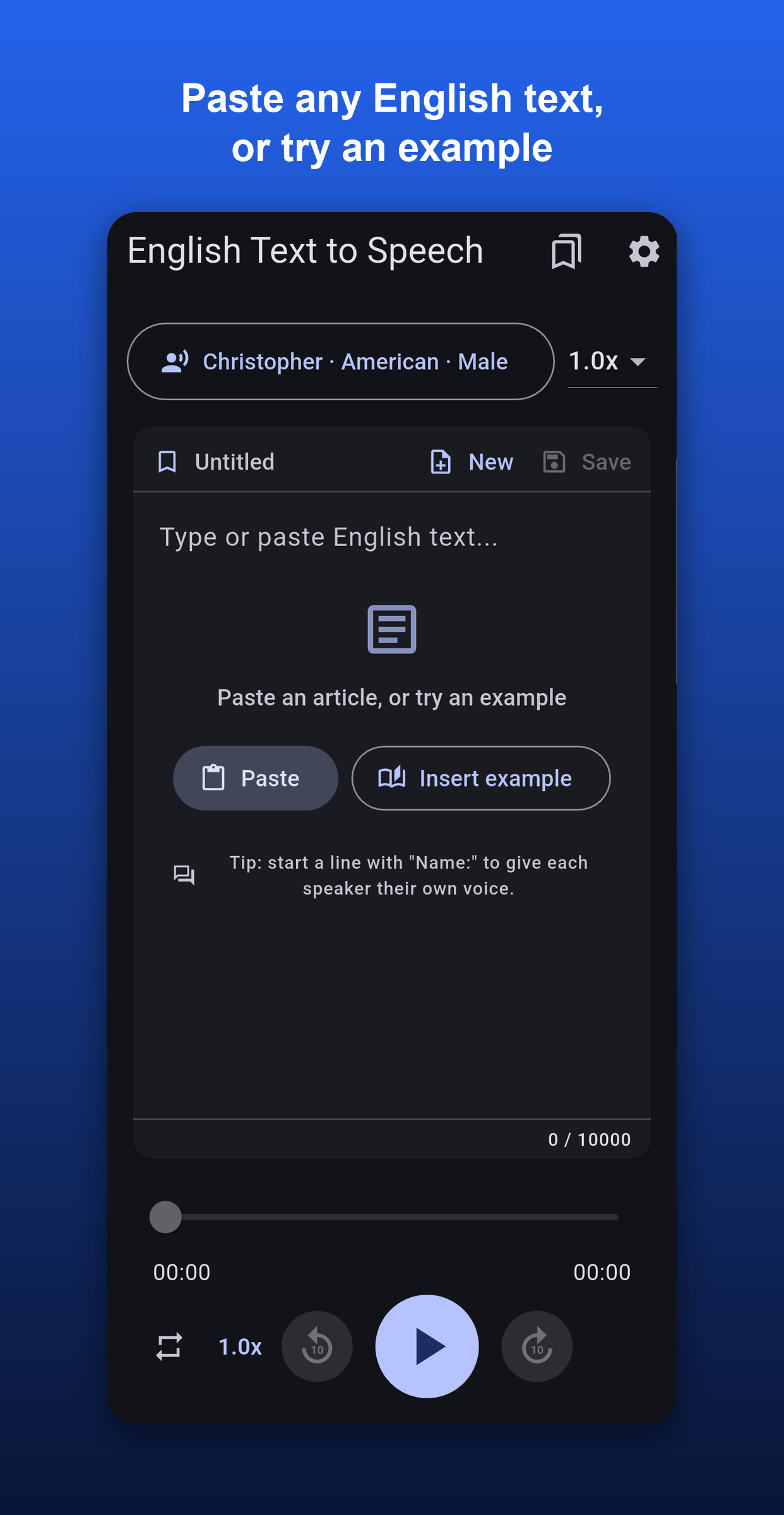
Paste or type
Drop in any English text — start a line with "Name:" for dialogue voices.
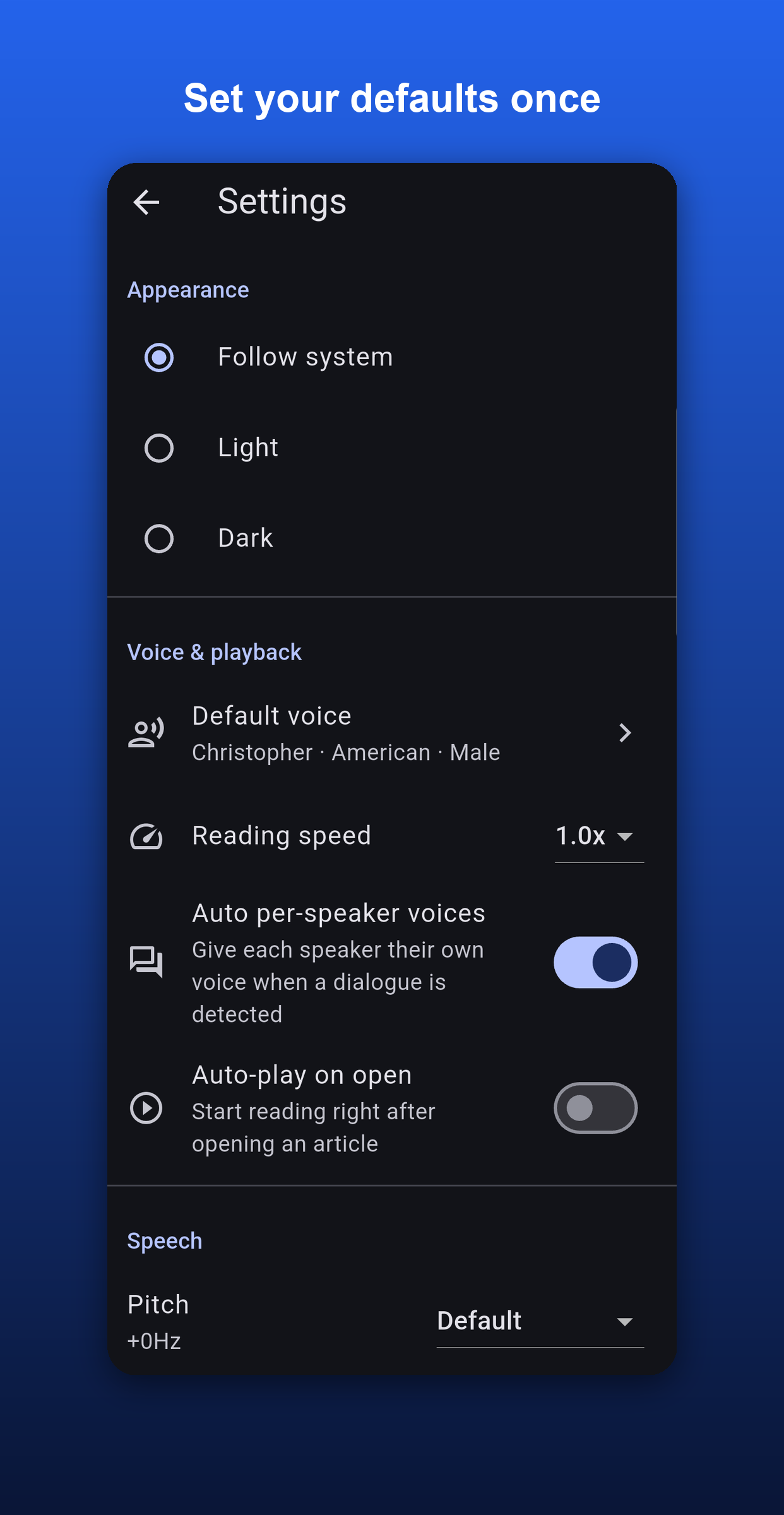
Pick a voice & speed
Tap ▶ to preview any voice, choose an accent, and set your pace.
Press play
Listen anywhere and follow along with the highlighted words.